ACMERTool – Your All-in-One Laser Workspace

Empowering Smarter, More Precise Laser Creation for Every Maker.

download

Design & AI tools

Edit with Pro Control

Material & Alignment

Built for Production

Design & AI tools

Start from templates, assets or AI images

Edit with Pro Control

Vectors, photos and text on one canvas

Material & Alignment

 Presets, camera preview and autofocus built in

Built for Production

Batch layout, nesting and path optimization

Start your design with ready-made projects

Get Your Next Idea Here.

Title
  • Project & Template Library

  • Coming Soon - AI Design

Title

Built-in Content Library

explore resources on demand

Our ever-growing library gives you endless inspiration. Use assets as-is or customize them to speed up your workflow.

Title

Coming Soon Next Month

Describe It, Let AI Generate It

Enter prompts for instant custom images, seamlessly integrating into projects for limitless creativity.

Let your editing tools keep up with your ideas

edit like a pro with total freedom.

Title

start from major file

start from major file

a clean editing interface

Edit with a clean toolbar and familiar controls

a clean editing interface

Edit with a clean toolbar and familiar controls

start from major file

Start from major file

a clean editing interface

Edit with a clean toolbar and familiar controls

A clean editing interface

Edit with a clean toolbar and familiar controls

Start from major file

Start from major file

a clean editing interface

Edit with a clean toolbar and familiar controls

A clean editing interface

Edit with a clean toolbar and familiar controls

create shapes and vectors

Build clean vector graphics & shapes

Offset paths for inlays and borders

Boolean operations for precise shape control

turn images into clean engravings

Image adjustment, preview, and optimization

Layer and object control made easy

create shapes and vectors

turn images into clean engravings

create shapes and vectors

Build clean vector graphics & shapes

Offset paths for inlays and borders

Boolean operations for precise shape control

turn images into clean engravings

Image adjustment, preview, and optimization

Layer and object control made easy

create shapes and vectors

Build clean vector graphics & shapes

Offset paths for inlays and borders

Offset paths for inlays and borders

turn images into clean engravings

Image adjustment, preview, and optimization

Layer and object control made easy

Built-in presets and one-click test grids

dial in your material before you hit start.

Title

smart presets, no guessing

Start from recommended settings for common materials and more

save the settings that work

Save your custom power, speed and pass counts as a reusable preset

Camera preview, curved, cylindrical mapping and autofocus

Camera preview, curved & cylindrical mapping

preview every move before you start.

Title

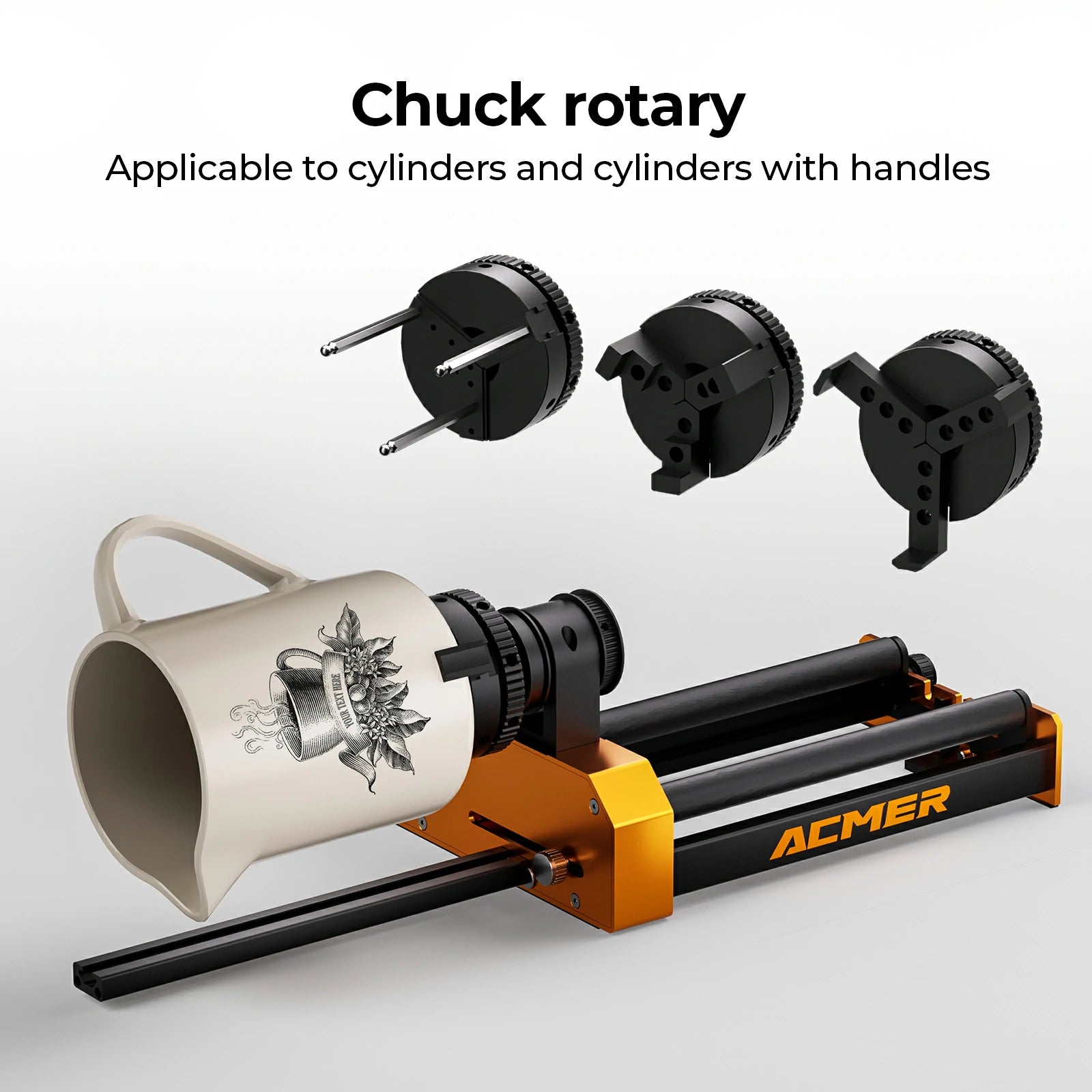
cylindrical engraving made straightforward

Title

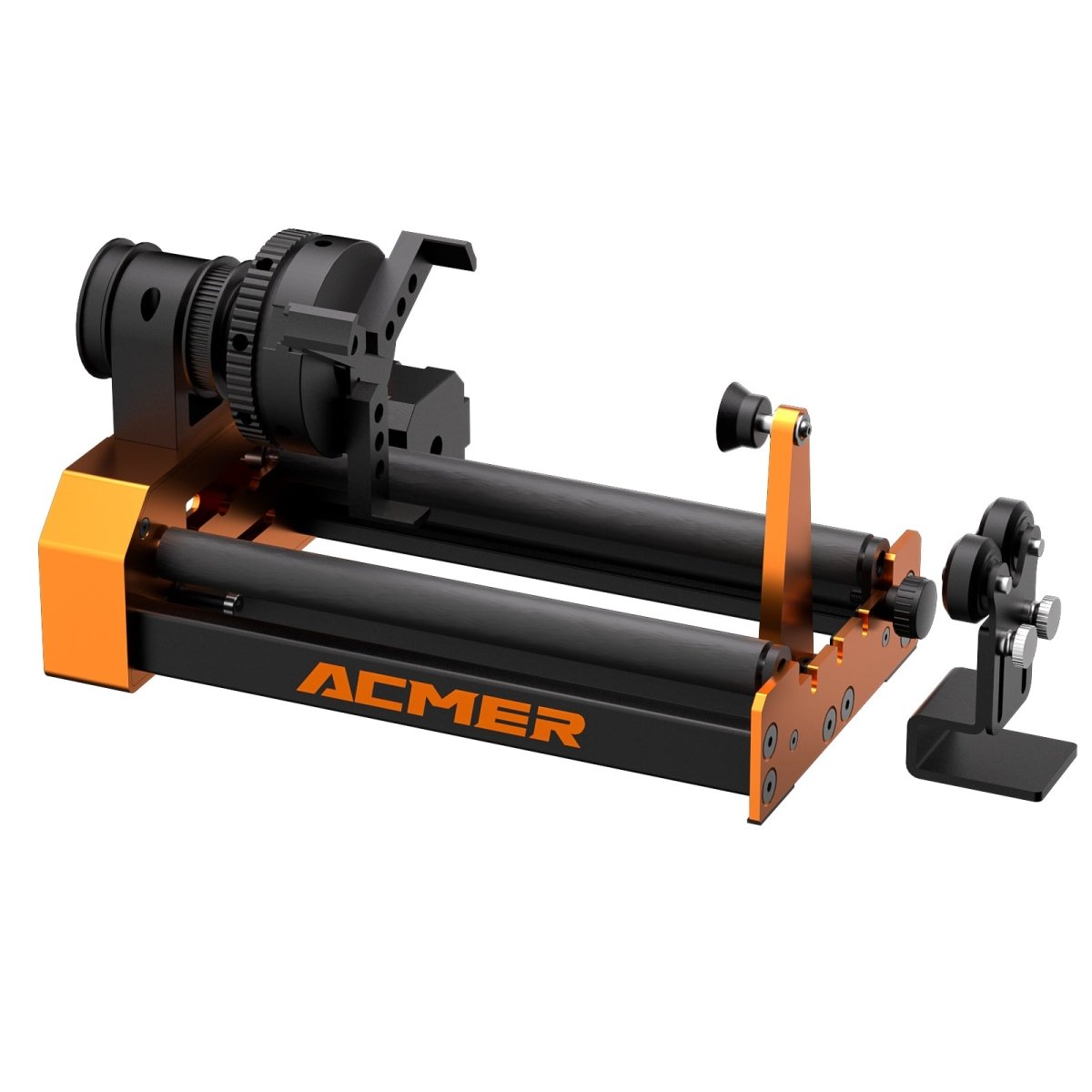
Switch to rotary mode to engrave on bottles, tumblers and rollers. 

Cylindrical engraving made straightforward

Title

Switch to rotary mode to engrave on bottles, tumblers and rollers. 

coming soon next month

Curved surface engraving with probe mapping

Title

For uneven boards or curved objects, the probe builds a height map of the surface. The software then adjusts Z and power on the fly so the laser stays in focus across the curve.

coming soon next month

curved surface engraving with probe mapping

Title

For uneven boards or curved objects, the probe builds a height map of the surface. The software then adjusts Z and power on the fly so the laser stays in focus across the curve.

see your material on screen

Title

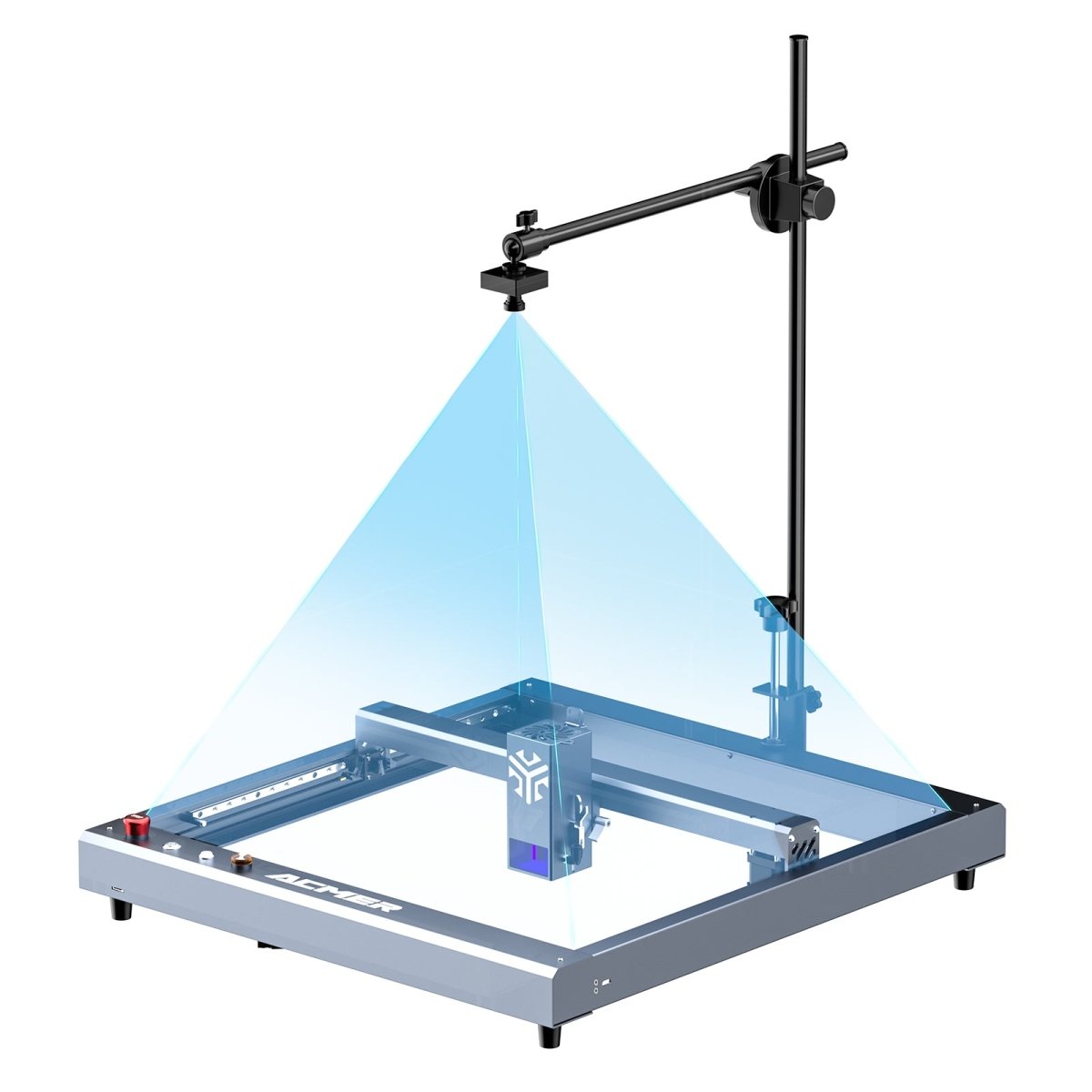
Guided camera calibration gives you a true view of your bed. Drag designs on the canvas and drop them exactly where you want on the real sheet or off-cut.

See your material on screen

Title

Guided camera calibration gives you a true view of your bed. Drag designs on the canvas and drop them exactly where you want.

Tools that save minutes on every job

get more done every hour.

Title

Smart Nesting

Pack more parts into every sheet.

One click packs shapes tightly into the usable area, reducing gaps, waste and how often you flip or reload material.

coming soon next month - one-click autofocus

Let the machine find the right height.

On supported ACMER machines, tap Autofocus and let the probe measure your material and move the head to the correct focus in one step.

Path Optimization

Cut the travel, not just the material.

In our internal test cases, optimized paths cut idle travel time by over 50% compared to unoptimized jobs.

Smart Nesting

Pack more parts into every sheet.

One click packs shapes tightly into the usable area, reducing gaps, waste and how often you flip or reload material.

coming soon next month - one-click autofocus

Let the machine find the right height.

On supported ACMER machines, tap Autofocus and let the probe measure your material and move the head to the correct focus in one step.

coming soon next month - one-click autofocus

Let the machine find the right height.

On supported ACMER machines, tap Autofocus and let the probe measure your material and move the head to the correct focus in one step.

Path Optimization

Cut the travel, not just the material.

On supported ACMER machines, tap Autofocus and let the probe measure your material and move the head to the correct focus in one step.

Get started with ACMERTool V1.0

Software Download