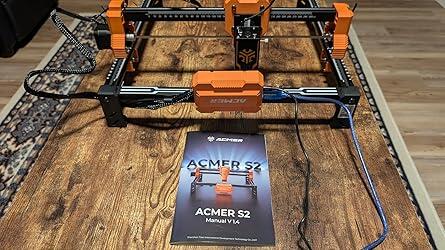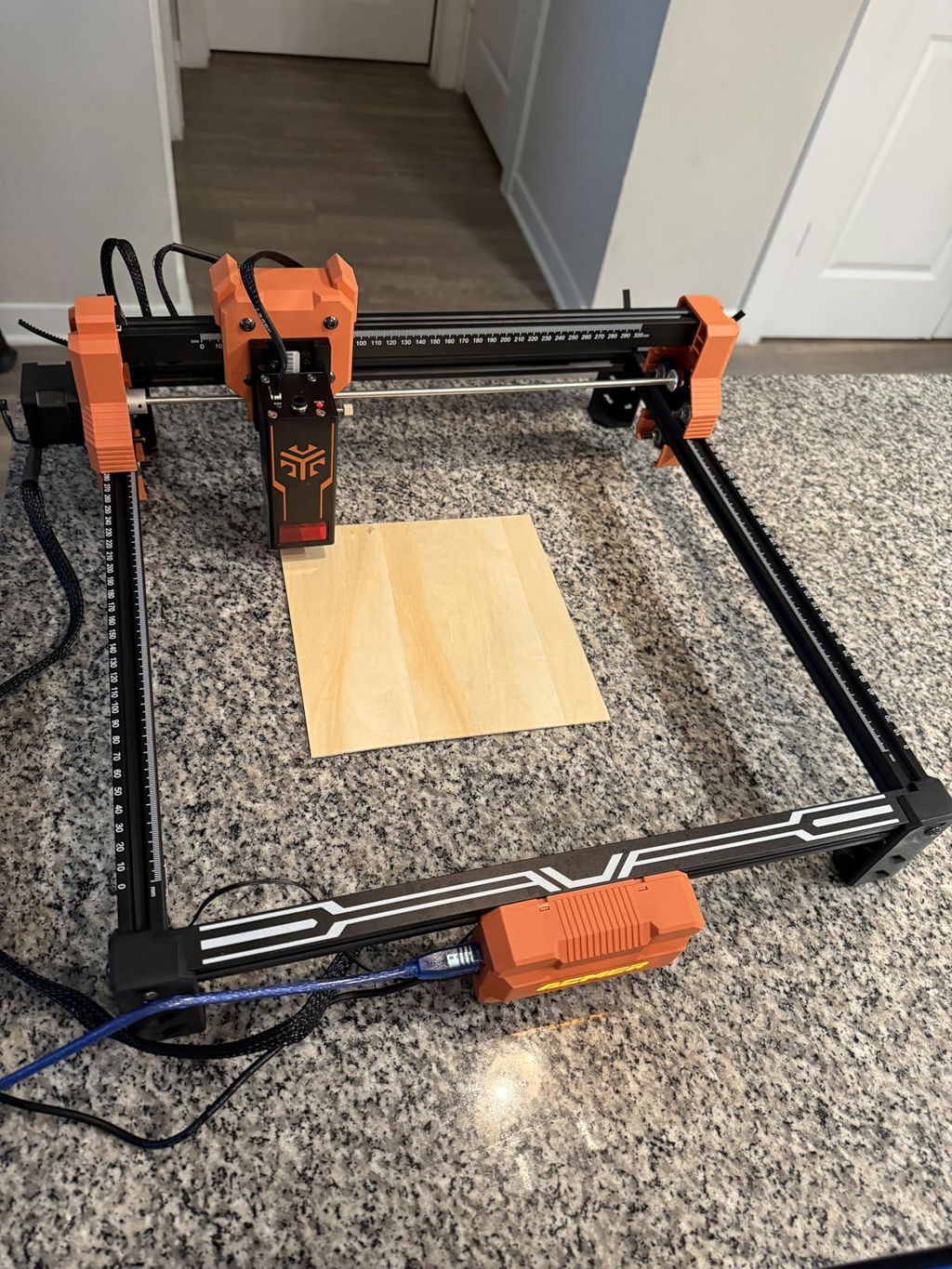


No Crash, Just Craft.
ACMER S2 Quick Intro

What they say about ACMER S2?


Ease Engrave, Endless Creations


ALL-IN-ONE SOFTWARE BUILT FOR ACMER LASERS.
Get More from Your ACMER Laser with ACMER Studio

This video could not be played. Open video in a new tab.
Import Projects Straight to Your Canvas
Choose a ready-made project from the library and start editing instantly.
Explore the Latest Projects
Discover professionally designed projects you can start making right away.


CREATE & COMPOSE
Create with Every Tool You Need
Start with text, shapes, and pen tools, or import your own artwork and bring every element together on one canvas.
This video could not be played. Open video in a new tab.
IMAGE TRACE
Turn Images into Artwork You Can Use
Fine-tune every path, shape, and image setting before engraving or cutting.
This video could not be played. Open video in a new tab.
VECTOR & LAYOUT
Build Layered Designs with Vector Precision
Edit paths, outlines and nodes, combine shapes with Boolean tools, and organize complex files with layers and alignment controls.
This video could not be played. Open video in a new tab.
Match the Right Settings Automatically
Instantly match the best engraving or cutting settings for your machine, material, and thickness.
This video could not be played. Open video in a new tab.
Build Your Own Material Library
Save the settings that work for your own materials and recall them whenever you need them again.

Generate a Full Test Matrix in Seconds
Set the process, power, speed, and grid size. Studio builds the matrix automatically, so you can find the right settings faster.
This video could not be played. Open video in a new tab.
This video could not be played. Open video in a new tab.
Create Faster with AI Built into ACMER Studio